Imagine you’ve just been booked for a barn dance — two sets, a hundred dancers, a monitor mix that’s more thump than finesse, and a fiddle strap already digging into your shoulder. The last thing you want is a cable snagging under your bow arm mid-reel. So you start searching “wireless violin system,” and immediately the rabbit hole opens: gooseneck mic, piezo pickup, UHF, 2.4 GHz, transmitter belt pack. A gooseneck microphone is a small mic mounted on a flexible arm that clips to your violin’s shoulder rest or tailpiece, capturing sound the way a studio mic would — from the air around the instrument. A piezo pickup (pronounced pee-AY-zo) uses a crystal element that reads the physical vibration of the wood or bridge directly, converting those vibrations into an electrical signal. Both go wireless by connecting to a belt-pack transmitter that sends your signal to a receiver plugged into the PA or amp. The choice between them is fundamentally a choice between two philosophies of what your violin should sound like on stage — and this guide walks through every tradeoff so you can decide before the gig, not during it.
| EDITOR'S PICKKNA VV-Wi Wireless Violin Viola… | Mid-tierThe Feather Violin Pickup with… | Budget pickMOOER Air Plug AP10 2.4Ghz Char… | |
|---|---|---|---|
| Wireless band | UHF | — | 2.4GHz |
| Range | 50m | — | — |
| Volume control | ✓ | — | — |
| Mount type | — | Gooseneck | — |
| Charging | — | — | ✓ |
| Pickup type | Piezo | Pickup | Piezo |
| Price | $199.00 | $189.00 | $88.00 |
| See on Amazon → | See on Amazon → | See on Amazon → |
The Core Tradeoff: Sound Character First, Then Everything Else
Every other spec — battery life, clamp fit, amp compatibility — is secondary to one question: what do you want your violin to sound like?
Gooseneck Microphone Systems
Gooseneck mics capture air. They hear your instrument the way an audience member two feet away would: the full resonant bloom, the rosin bite on the attack, the subtle difference between a spiccato stroke and a long bow. Players who have switched to gooseneck systems from piezo frequently describe recovering warmth they felt was missing — a “brittle or bright” quality is a recurring characterization of entry-level piezo systems in aggregated buyer commentary cited in Sweetwater Sound’s Wireless Systems Buyer’s Guide. The gooseneck mic, in documented player accounts, restores the tonal complexity that a purely vibration-based pickup can suppress.
The downside is equally plain: microphones hear everything. Feedback — the screech you get when a mic hears its own amplified signal looping through a monitor — is a real risk at high stage volumes. If you play at loud Celtic sessions with monitors aimed at your face, or in pit orchestras with brass at full tilt, that risk matters considerably. Gooseneck systems also require careful gain structure discipline: if your front-of-house engineer pushes your channel too hard, a gooseneck will punish you faster than a piezo will.
MOOER
$88.00
In stock on Amazon
Check price on AmazonPiezo Pickup Wireless Systems
Piezo pickups read wood. The signal is dry, direct, and consistent. Strings Magazine, in its coverage of violin amplification options (“Amplifying Your Violin”), describes piezo bridge pickups as delivering a controlled, neutral signal that responds predictably to EQ and effects processing — a genuine asset for players running loopers or heavy signal chains, and a potential liability for players whose acoustic instrument has an exceptional natural voice they want preserved.
A well-documented complaint across piezo categories — noted in Sound On Sound’s technical feature “Understanding Piezo Pickups” — is that some bridge-mounted piezo elements physically damp the bridge or top, restricting acoustic resonance and sustain. This is not a flaw of piezo technology itself but of contact method and mounting weight. Lighter-footprint designs address this more gracefully than heavier clamped alternatives. If you tried a piezo once and found it killed your sustain, the mounting approach — not the transducer principle — was likely the culprit.
Feedback resistance is piezo’s clearest practical advantage: because the pickup reads mechanical vibration rather than airborne sound, monitor bleed and room volume have almost no effect on its signal. For loud band contexts with floor monitors close to your feet, this is a meaningful real-world difference.
The
$189.00
In stock on Amazon
Check price on AmazonHead-to-Head: Key Factors Compared
| Factor | Gooseneck Mic | Piezo Wireless |
|---|---|---|
| Sound character | Full, natural, resonant | Direct, dry, controlled |
| Feedback risk | Moderate to high (volume-dependent) | Very low |
| Vibration damping on instrument | None | Minor to moderate |
| Effects chain suitability | Good (natural input) | Excellent (neutral input) |
| Gain structure sensitivity | Higher | Lower |
KNA
$199.00
In stock on Amazon
Check price on AmazonBattery Life and Durability: What Real-World Use Looks Like
If you’re gigging regularly — weekly church services, folk festival weekends, touring dates — battery reliability isn’t a nice-to-have. It’s a requirement.
Player accounts compiled from product review aggregates document wireless gooseneck systems completing five-hour church sessions without battery failure — a meaningful benchmark that covers most double-header gigs with a set break. It won’t cover a full festival day, so carry spare batteries regardless, but for a standard service or a two-set club night, five-hour documented runtime is reassuring.
Wireless piezo transmitters from several manufacturers are rated at approximately six hours of operation. Strings Magazine’s amplification coverage notes that bridge-mounted piezo systems in general draw less power than microphone capsules because they process vibration rather than powering a condenser element — which helps explain why some piezo wireless units edge out mic-based systems on rated battery life, even though real-world variance depends heavily on transmitter design and battery brand.
MusicRadar’s roundup “Best Wireless Guitar Systems 2025” — which covers several systems used by violinists in crossover contexts — flags battery consistency as a top-three purchase criterion for working musicians in any instrument category, and recommends treating manufacturer battery ratings as ceiling figures rather than floor guarantees under live conditions.
Practical rule for church and wedding players: If your session runs longer than four hours, plan for a battery swap at the break. Keep a spare transmitter battery taped inside your case lid. This applies to both system categories equally.
Fit, Clamp, and the Hardware Headaches Nobody Mentions in the Marketing
The most common source of buyer regret in wireless violin systems isn’t sound quality — it’s the physical interface between the hardware and the instrument.
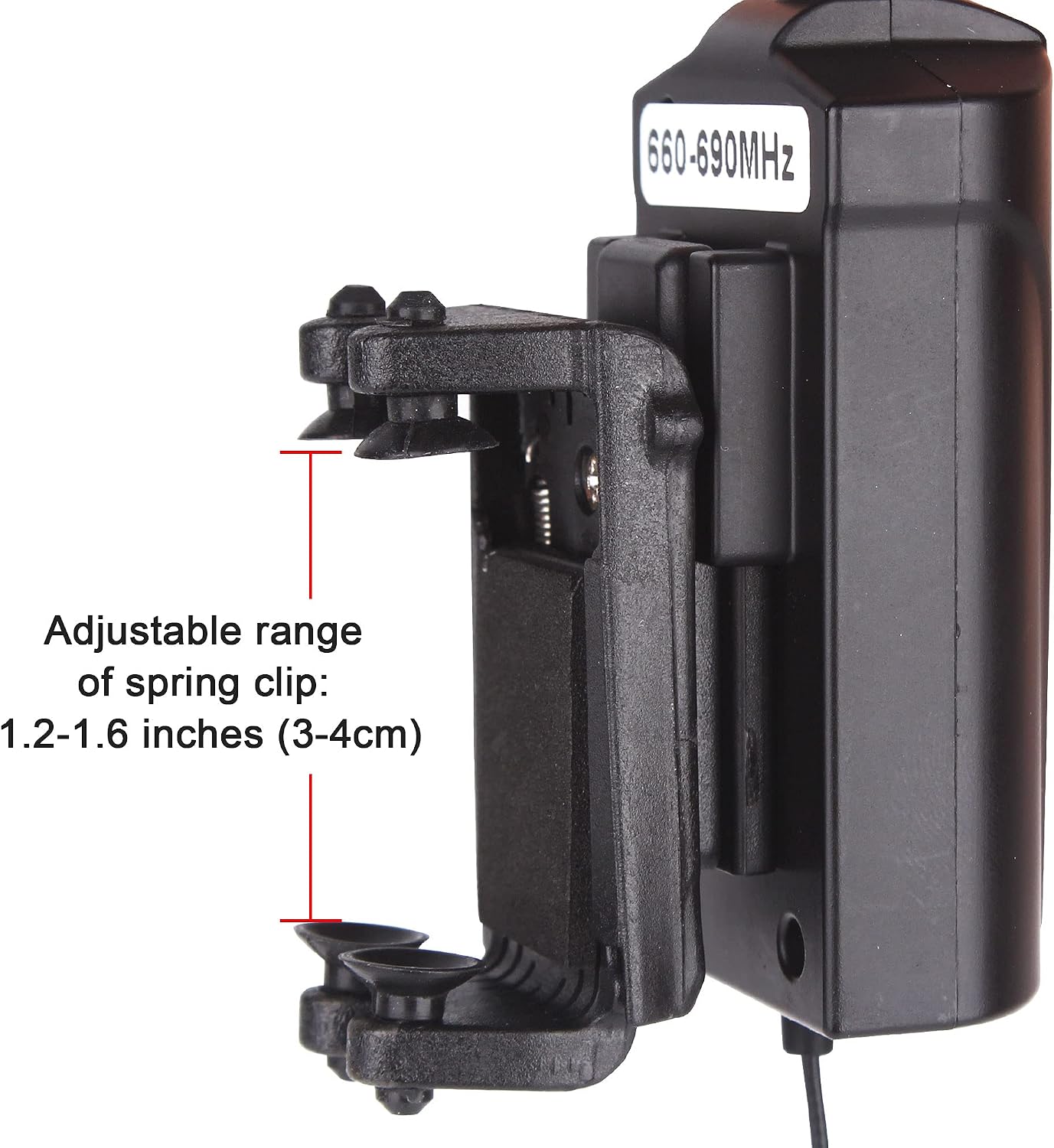
Gooseneck clamp width is a documented pain point across the category. Fixed-width clamps on some two-transmitter gooseneck bundles do not accommodate the full range of 4/4 violin body widths comfortably. Players with wider-bodied instruments — some modern luthier builds and certain folk-market violins run slightly wider than standard — should verify clamp adjustment specifications before purchasing. Systems with adjustable mounting arms and flexible gooseneck lengths consistently earn better long-term ergonomics reviews, particularly from folk dance musicians who report that a stable gooseneck arm eliminates the constant repositioning fatigue caused by clip mics that shift during vigorous bowing.
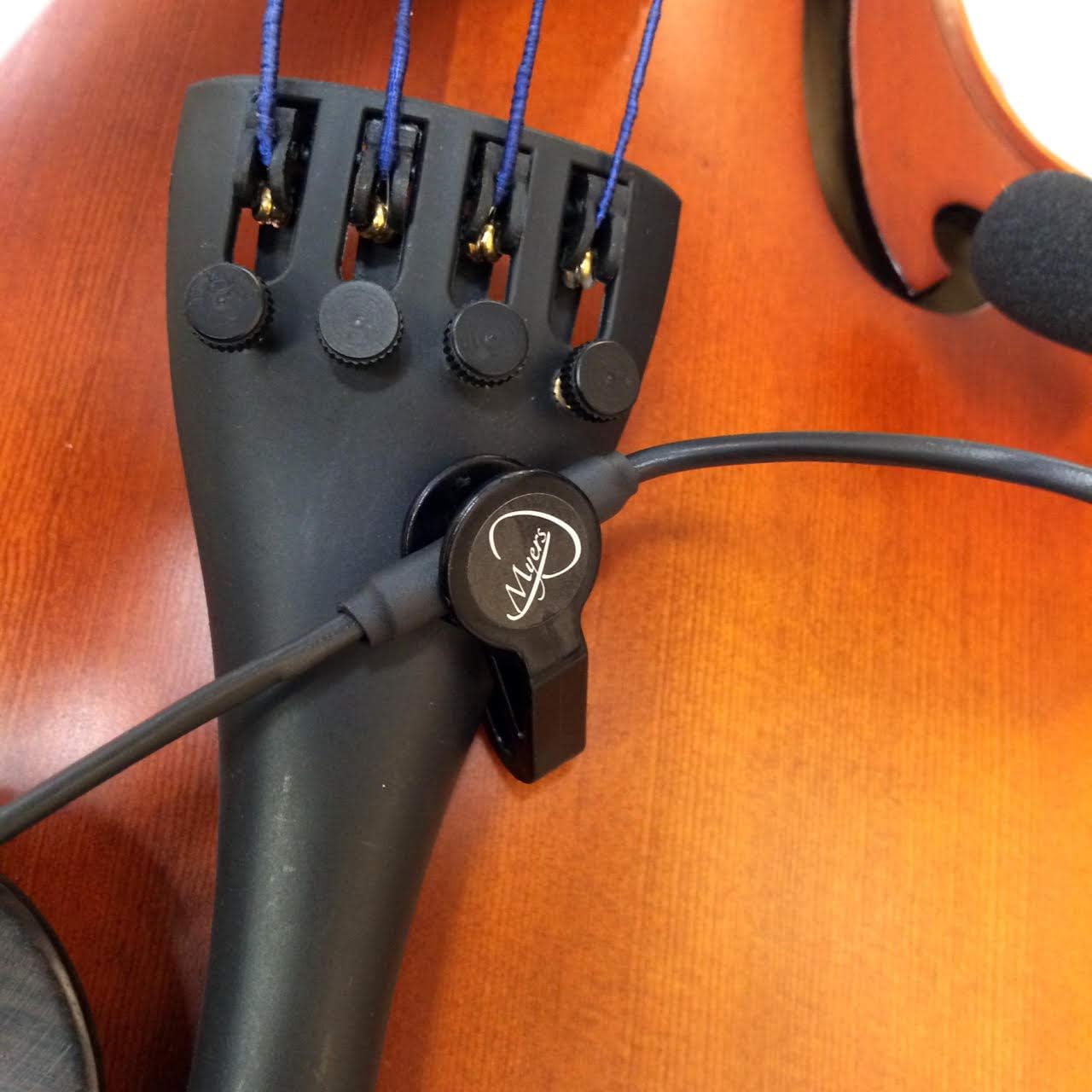
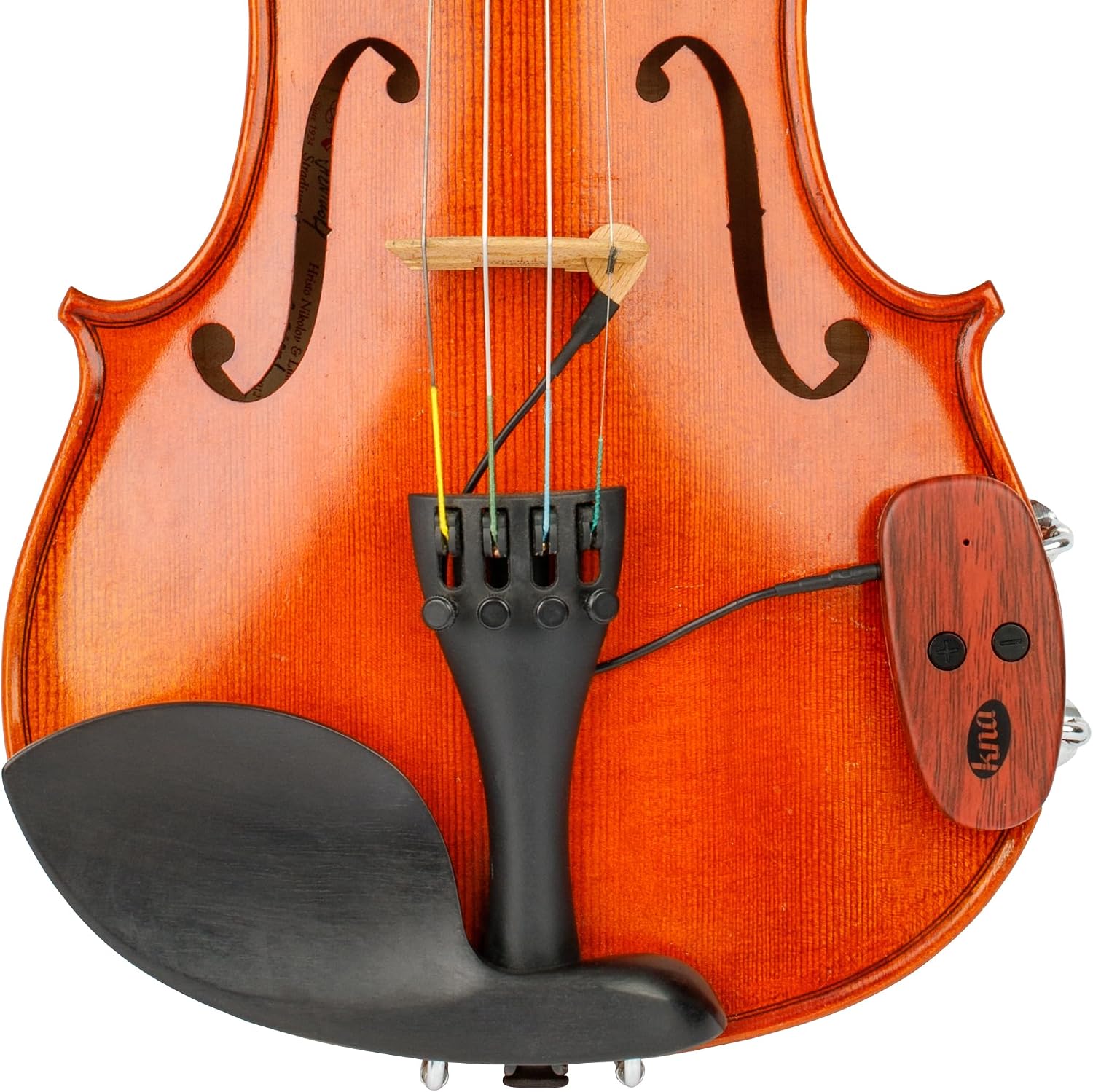
Piezo contact position matters differently. With a piezo, the question isn’t “will the clamp fit?” but “will the contact point damp my resonance?” As Sound On Sound’s “Understanding Piezo Pickups” explains, the contact area and pressure of a piezo element against the bridge or top directly affects how much mechanical damping occurs. Lighter-footprint bridge pickups that make minimal contact with the instrument body preserve sustain more reliably than heavier clamped alternatives. Players who have previously experienced warmth loss or sustain reduction from a piezo should compare contact methods specifically when evaluating replacement options — not simply rule out the piezo category.
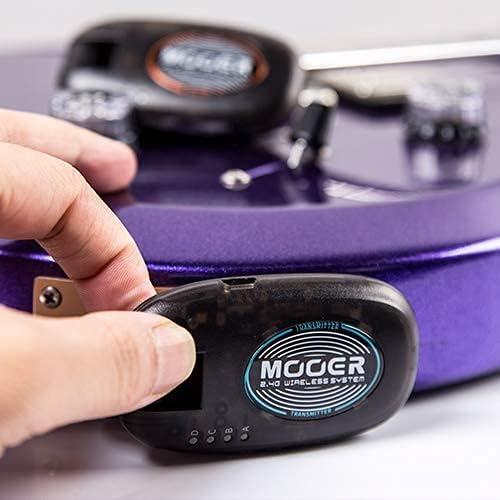
Amp and system compatibility is the third hardware consideration, and it applies specifically to compact piezo wireless units designed primarily for guitar but used by violinists for their size advantage. Some amplifiers — particularly vintage combo amps and keyboard amps repurposed for violin — may not establish stable connections with all compact wireless receivers. This is a documented pattern in product review aggregates and worth investigating before a paid gig: if possible, test your specific amp-and-receiver pairing in rehearsal, not at soundcheck.
DI Box, Signal Chain, and the Question of “Will It Just Work?”
One of the most practical questions intermediate players ask is whether they need a DI box — a direct injection box that converts an instrument-level signal to the balanced, low-noise signal that PA boards and audio engineers prefer — to use these systems live.
The short answer: most wireless receivers output an unbalanced instrument-level signal, which means you can plug directly into an amp’s instrument input without a DI. For smaller venues — folk clubs, church sanctuaries, small festival stages with a simple monitor mix — many players run exactly this way without complaint.
However, Sound On Sound’s “Understanding Piezo Pickups” consistently notes that piezo signals benefit from a high-impedance buffer stage — which a quality DI box provides — to prevent signal loss and preserve full-frequency pickup character. If you’re running a piezo wireless system directly into a PA desk that expects a mic-level signal, you may notice thinness or high-frequency harshness that disappears when a DI is inserted in the chain. For gooseneck mic systems, the same principle applies: a transformer-isolated DI helps protect the signal over long cable runs to the front-of-house desk.
Sweetwater Sound’s Wireless Systems Buyer’s Guide recommends budgeting for a passive DI as part of total wireless system cost for any player who regularly hands signal to a house engineer at mid-size or larger venues. Passive DI boxes are available at workable price points under $50 and add meaningful signal integrity protection for both system types.
Decision rule: If you’re plugging into your own amp at a small venue, skip the DI for now. If you’re handing a cable to a sound engineer at a mid-size venue, add a passive DI to your total system budget before comparing prices on the wireless units themselves.
Frequently Asked Questions
Does a wireless gooseneck mic have more feedback problems than a piezo pickup at loud gigs? Yes, in most high-SPL environments. Because a gooseneck mic captures airborne sound, it will pick up signal from your monitors and can feed back if stage volume is high. Piezo pickups read mechanical vibration and are largely immune to monitor feedback. At moderate volumes — church services, acoustic folk settings, wedding receptions — gooseneck feedback risk is manageable with basic gain structure discipline.
How many hours of battery life should I expect from a wireless violin system? Documented player accounts place gooseneck wireless systems at approximately five hours of real-world continuous use. Piezo wireless transmitters from major manufacturers are typically rated at approximately six hours. Treat both figures as ceiling estimates and carry spare batteries for any session exceeding four hours.
Will a standard gooseneck clamp fit my full-size 4/4 violin? Not always. Fixed-width clamps on some bundled gooseneck systems have documented fit complaints with standard and slightly wider 4/4 violins. Verify the clamp’s stated adjustment range against your instrument’s body measurements before purchasing, or prioritize systems with adjustable mounting arms.
What is the difference in sound character between a gooseneck mic and a piezo wireless pickup? Gooseneck mics reproduce the full acoustic character of your instrument — warmth, resonance, rosin detail. Piezo pickups deliver a drier, more direct signal that some players describe as bright in isolation but that responds well to EQ and effects. Classical players and folk musicians tend to prefer the mic; players running heavy effects chains or looping setups often prefer the controlled input of a piezo.
Can I use either of these wireless systems without a DI box? Yes — both system types can plug directly into an amp’s instrument input. For small venues and personal amplification, a DI is optional. For PA-connected gigs where a house engineer is handling your signal, a passive DI is worth adding to protect signal quality, particularly with piezo systems that benefit from high-impedance buffering as noted in Sound On Sound’s “Understanding Piezo Pickups.”
Your Next Step
Here is the decision rule in plain terms: if sound character is your top priority and your stage volumes are moderate, a gooseneck wireless mic system is the right starting point — it preserves the tonal complexity and warmth that make a fine violin worth amplifying in the first place. If feedback risk is a real concern at your gigs, or you are running into an effects chain and want a neutral, controllable input, a piezo wireless system with a light-footprint bridge contact is the more practical choice. Check clamp specifications on any gooseneck system against your violin before ordering, factor a passive DI into your total budget if you are regularly handing signal to house engineers, and plan spare batteries for any session that runs past the four-hour mark. The right system is the one that is still working reliably in hour five of your gig — not the one that looked best in the spec sheet.